REST API Overview

Explore the API
Launch the OpenAPI Explorer to browse the live REST specs, inspect request and response schemas, and execute calls against your environment with an API key.

The Open Mercato REST API is auto-discovered from each module under src/modules/<module>/api. Every handler is expressed as a standard Next.js route.ts module and is wrapped in shared infrastructure that enforces authentication, scoping, and feature checks. Use this page as the launch pad before diving into the detailed module guides.

Base URL

  • Local development: http://localhost:3000/api
  • Production deployments: <your-domain>/api

All paths shown below are relative to the /api base.

Quick Start Environment

export BASE_URL="http://localhost:3000/api"
export API_KEY="<paste your API key secret here>"
export ORG_ID="<optional active organization id>"

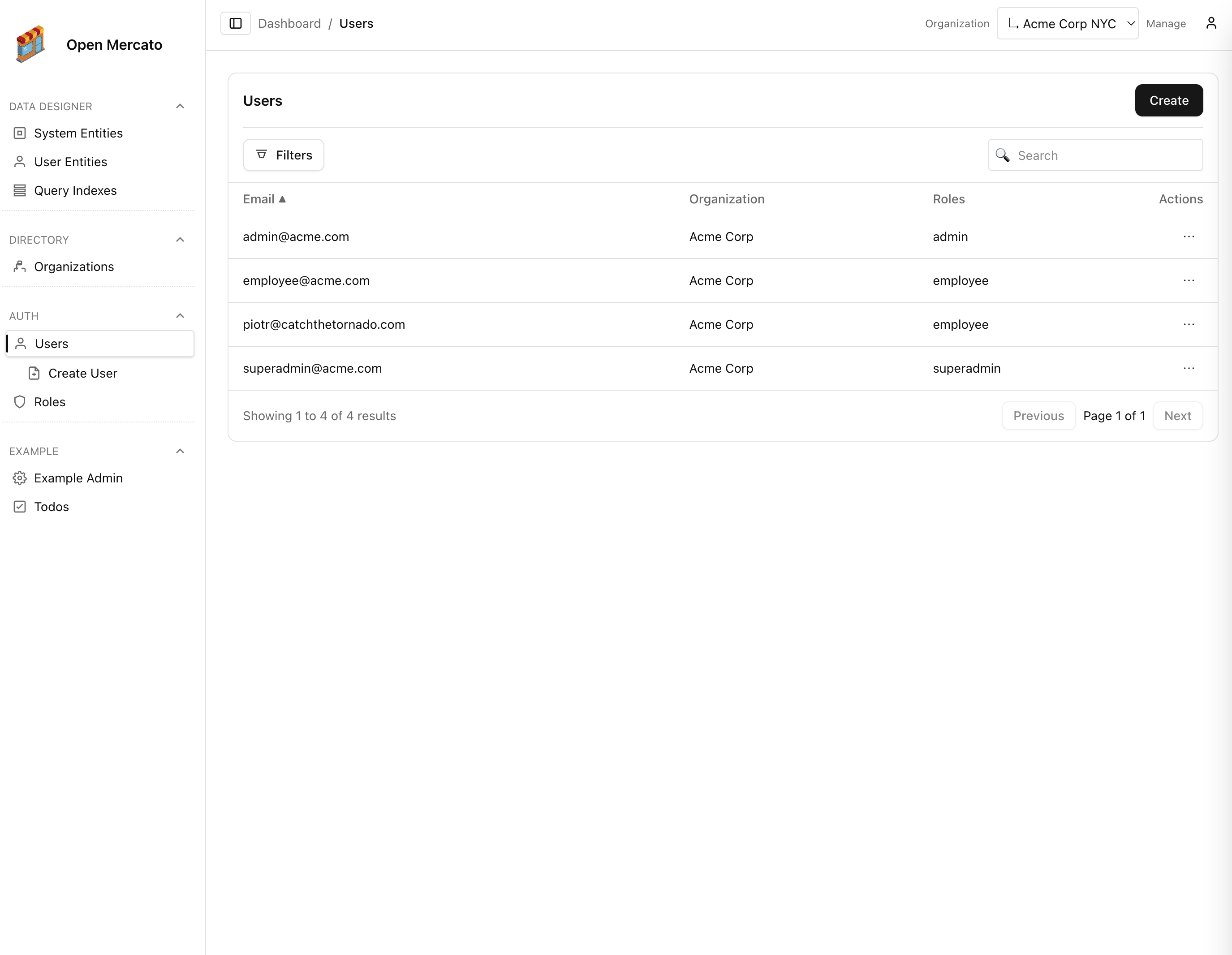
API_KEY comes from the admin UI table (Admin → Security → API keys) or the mercato api_keys add CLI command. All curl examples reuse these variables so you can copy, tweak, and run them immediately.

Authentication Flow

  1. Mint a key from the Managing API keys guide or via mercato api_keys add. Keys inherit the roles (and therefore features) you assign.
  2. Send the secret on every request using either X-Api-Key: <secret> or Authorization: ApiKey <secret>. The prefix (omk_live_…) helps correlate requests with a specific key.
  3. Requests lacking a valid API key receive 401 Unauthorized. Deleted or expired keys behave the same.

Human users still sign in with email/password for the admin UI, but machine-to-machine integrations should rely on API keys for predictable scoping and auditability.

Feature Gates & Access Control

Each HTTP method exports metadata declaring requireAuth, requireRoles, and requireFeatures. The RBAC service evaluates the metadata against the authenticated principal:

  • Features are string identifiers (for example auth.users.list) exposed by every module under src/modules/<module>/acl.ts.
  • Users receive features via roles or custom ACLs (/api/auth/users/acl). Super administrators bypass feature checks.
  • If the caller lacks the declared feature(s), the API returns 403 Forbidden.

Tenant and Organization Scoping

  • For API keys, tenant and organization scope come from the key metadata. For browser sessions, they originate from the JWT payload (tenantId, orgId).
  • Most entities require an active tenant; requests without one fail with 400 or 403.
  • When a module opts into organization scoping, create/update requests inject the active organization automatically; list requests are filtered to the allowed organizations resolved from RBAC + cookies.
  • The GET /directory/organization-switcher endpoint returns the organization tree the current user may access. Clients can persist a new selection by setting the om_selected_org cookie before subsequent API calls.

Full examples live in the Directory service guide.

Request & Response Conventions

  • Payload format: JSON bodies unless the handler specifies otherwise (only /login expects multipart/form-data or application/x-www-form-urlencoded).
  • Pagination: List endpoints accept page (default 1) and pageSize (default 50, max 100 or 200 depending on the handler) and respond with { items, total, page, pageSize, totalPages }.
  • Filtering: Common filters include search, id, and module-specific filters such as roleIds or tenantId. Custom field filters use the cf_<key> convention and obey the custom field kind.
  • Sorting: When powered by the Query Engine, endpoints accept sortField and sortDir (asc or desc).
  • Custom fields: Include values under customFields or prefixed keys (cf_priority) in create/update payloads. The CRUD factory persists them automatically.
  • Concurrency: Endpoints are stateless. Optimistic concurrency is handled at the application level.
  • Media types: Set Content-Type: application/json for JSON bodies and Accept: application/json on reads to opt into JSON responses.

Error Semantics & Status Codes

  • 2xx — Successful operations (200 OK, 201 Created, 204 No Content).
  • 400 — Validation failures or malformed payloads ({ "error": "Invalid input" }).
  • 401 — Missing or invalid credentials.
  • 403 — Authenticated but missing required feature or tenant scope.
  • 404 — Entity not found in the current tenant/organization scope.
  • 409 — Business rule violations (for example deleting a role with assigned users).
  • 5xx — Unexpected server faults. Inspect server logs; messages are intentionally vague to avoid leaking internals.

Tooling & Automation

  • Use npm run dev to boot the stack locally; the API listens on port 3000.
  • npm run modules:prepare regenerates routing metadata after you add or remove module APIs.
  • For integration tests, compose requests with createRequestContainer() to reuse the same dependency injection graph as production handlers.
  • Use the shared CRUD helpers in @open-mercato/shared/lib/crud/factory to ensure consistent pagination, scoping, and event emission logic.

Documentation & Playground

  • GET /docs/api opens the OpenAPI Explorer, an interactive playground generated from the live module registry. Access it from the admin UI once signed in, browse every operation, review example payloads, and paste an API token to execute authenticated requests against your chosen base URL.
  • GET /api/docs/openapi returns the OpenAPI 3.1 JSON document for client generation, contract testing, or syncing external tooling.
  • GET /api/docs/markdown serves the same specification as Markdown, ideal for quick sharing or feeding into LLM prompts.

Module Guides

With these conventions in mind, hop into the module-specific pages for endpoint breakdowns, sample payloads, and extensive curl recipes you can adapt for your own tooling.