Modules: Authoring and Usage
This app supports modular features delivered as either:
- Core modules published as
@open-mercato/core(monorepo package) - App-level overrides under
src/modules/*(take precedence) - External npm packages that export the same interface
Conventions
- Modules: plural snake_case folder and
id(special cases:auth,example). - JS/TS: camelCase for variables and fields.
- Database: snake_case for tables and columns; table names plural.
- Folders: snake_case.
Module Interface
- Enable modules in
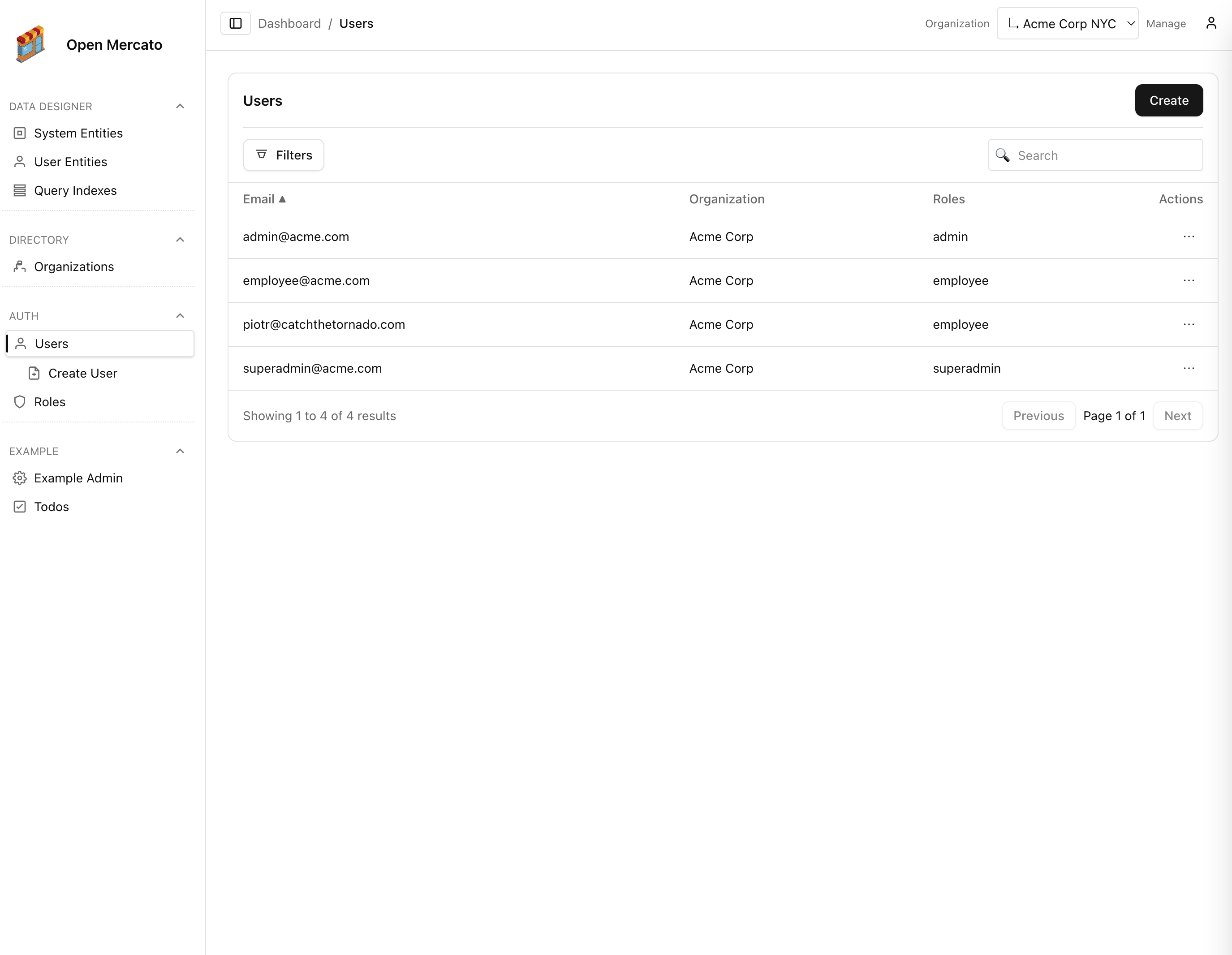
src/modules.ts. – Generators auto-discover pages/APIs/DI/i18n/features/custom-entities for enabled modules using overlay resolution (app overrides > core). - Provide optional metadata and DI registrar to integrate with the container and module listing.
Metadata (index.ts)
Create @open-mercato/core/modules/<module>/index.ts exporting metadata (or override via src/modules/<module>/index.ts):
import type { ModuleInfo } from '@/modules/registry'
export const metadata: ModuleInfo = {
name: '<module-id>',
title: 'Human readable title',
version: '0.1.0',
description: 'Short description',
author: 'You',
license: 'MIT',
// Optional: declare hard dependencies (module ids)
// The generator will fail with a clear message if missing
requires: ['some_other_module']
}
Generators expose modulesInfo for listing.
Dependency Injection (di.ts)
Create @open-mercato/core/modules/<module>/di.ts exporting register(container) to add/override services and components. To override/extend, add src/modules/<module>/di.ts.
import { asClass, asValue } from 'awilix'
import type { AppContainer } from '@/lib/di/container'
export function register(container: AppContainer) {
// container.register({ myService: asClass(MyService).scoped() })
// container.register({ myComponent: asValue(MyComponent) })
}
Routes (Auto-discovery + Overrides)
- Put default pages under
@open-mercato/core/modules/<module>. - Override any page by placing a file at the same relative path in
src/modules/<module>.- Frontend:
src/modules/<module>/frontend/<path>.tsx→ overrides/<path> - Backend:
src/modules/<module>/backend/<path>.tsx→ overrides/backend/<path> - Special case:
.../backend/page.tsx→ serves/backend/<module>
- Frontend:
- The app provides catch-all dispatchers:
- Frontend:
src/app/(frontend)/[[...slug]]/page.tsx - Backend:
src/app/(backend)/backend/[[...slug]]/page.tsx
- Frontend:
Page Metadata
- You can attach per-page metadata that the generator uses for navigation and access control.
- Preferred files next to the page:
page.meta.ts(for Next-stylepage.tsx)<name>.meta.ts(for direct files)meta.ts(folder-level, applies to the page in the same folder)
- Alternatively, for server components, export metadata directly from the page module (typed for IDE autocomplete):
import type { PageMetadata } from '@open-mercato/shared/modules/registry'
export const metadata: PageMetadata = { /* ... */ } - Recognized fields (used where applicable):
requireAuth: booleanrequireRoles: readonly string[]requireFeatures: readonly string[](fine-grained permissions)titleorpageTitle: stringgrouporpageGroup: stringorderorpageOrder: numbericon: string(backend Next-style pages)navHidden: boolean(hide from admin nav)visible?: (ctx) => boolean|Promise<boolean>enabled?: (ctx) => boolean|Promise<boolean>
Precedence: if a *.meta.ts file is present it is used; otherwise, the generator will look for export const metadata in the page module (server-only).
Override Example
- Package page:
@open-mercato/example/modules/example/frontend/blog/[id]/page.tsx - App override:
src/modules/example/frontend/blog/[id]/page.tsx- If present, the app file is used instead of the package file.
- Remove the app file to fall back to the package implementation.
API Endpoints (Auto-discovery + Overrides)
- Implement defaults under
@open-mercato/core/modules/<module>/api/.... - Override by adding
src/modules/<module>/api/.... - The app exposes a catch-all API route in
src/app/api/[...slug]/route.tsand dispatches by method + path.- Per-method metadata supports
requireAuth,requireRoles, andrequireFeatures.
- Per-method metadata supports
Database Schema and Migrations (MikroORM)
- Place entities in
@open-mercato/core/modules/<module>/data/entities.ts(fallbacks:db/entities.tsorschema.ts) and review the entities reference for conventions and helpers. - To extend another module's entity, prefer a separate extension entity in your module and declare the link in
data/extensions.ts(see Data Extensibility doc). Avoid mutating core entities to stay upgrade-safe. - If absolutely necessary to override entire entities, add
src/modules/<module>/data/entities.override.ts. - Generate combined module registry and entities:
npm run modules:prepare. - Generate migrations for enabled modules:
npm run db:generate→ writes into each module's package:packages/<pkg>/src/modules/<module>/migrations(falls back tosrc/modules/<module>/migrationsonly for app-local modules). - Apply migrations for enabled modules:
npm run db:migrate. - Clean up migrations and snapshots for fresh start:
npm run db:greenfield→ removes all existing migration files and snapshots from all modules.
See also:
- Entities reference
- Extending data entities
- Query engine
- RBAC & access control features
- Custom entities overview
- configs module
EBAC Events & Subscribers
- Emit EBAC events through the event bus using
eventBus.emitEventas documented in the events & subscribers guide. - Register module subscribers under
src/modules/<module>/subscribers/*.ts; each file exports a default handler and metadata described in the file structure section. - Persistent subscribers are replayable; see CRUD events for the standard lifecycle triggers generated by CRUD handlers.
Declaring Custom Entities and Fields in ce.ts (data/fields.ts deprecated)
- Place a module-level
ce.tsexportingentities. Each item can include optionalfields. - The generator will merge
entities[].fieldsintocustomFieldSetssoyarn mercato entities installseeds them. - Example (
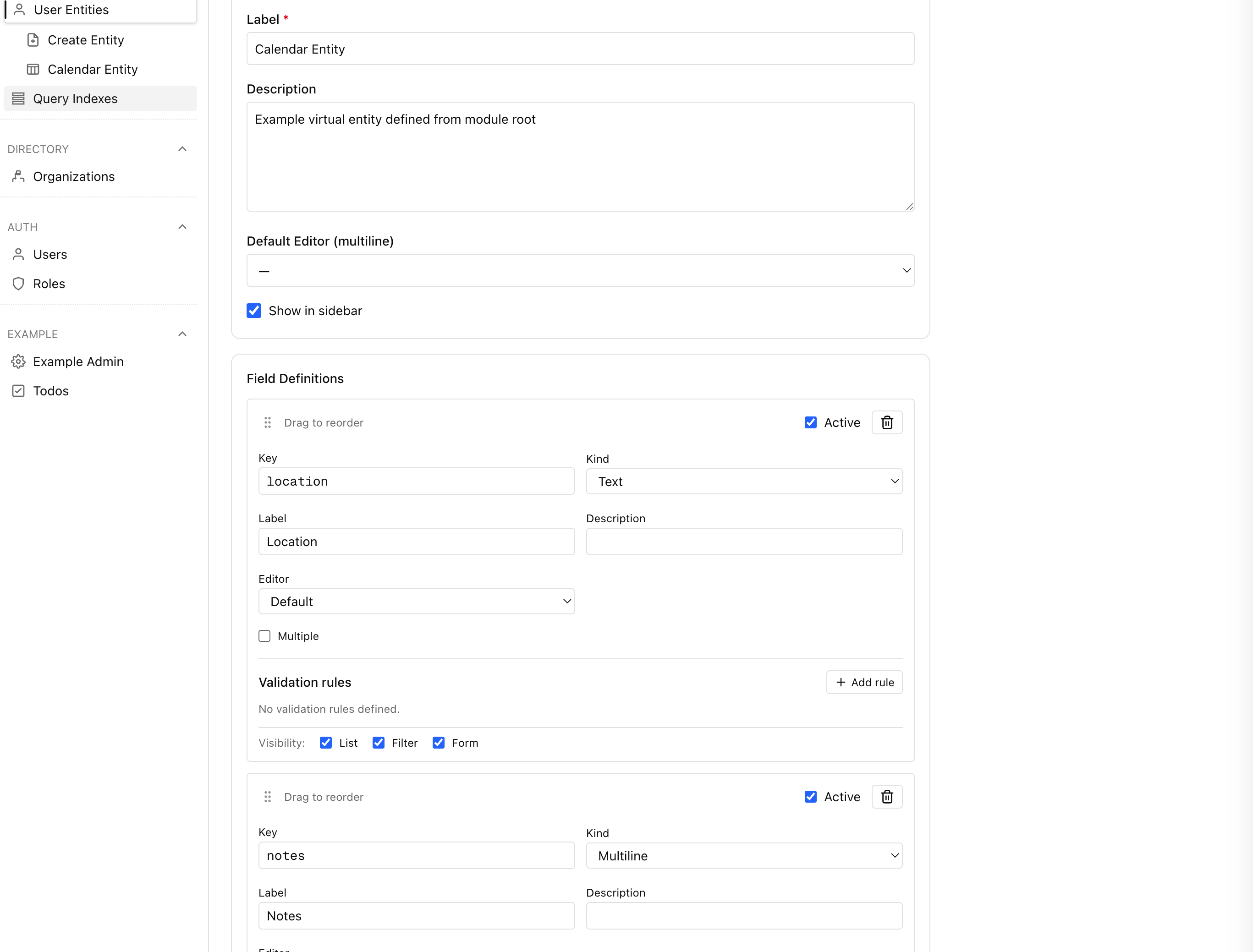
src/modules/example/ce.ts):
export const entities = [
{
id: 'example:calendar_entity',
label: 'Calendar Entity',
showInSidebar: true,
fields: [
{ key: 'title', kind: 'text', label: 'Title', required: true, indexed: true, filterable: true, formEditable: true },
{ key: 'when', kind: 'text', label: 'When', filterable: true, formEditable: true },
{ key: 'location', kind: 'text', label: 'Location', filterable: true, formEditable: true },
{ key: 'notes', kind: 'multiline', label: 'Notes', editor: 'markdown', formEditable: true },
],
},
]
Notes:
data/fields.tsis no longer supported. Always declare fields underce.tsas shown above.- Sidebar visibility is controlled via the entity row (
showInSidebar), which is set duringentities install. - The installer (
yarn mercato entities install) processes every tenant by default and skips system entities automatically. Use--tenant <id>,--global, or--no-globalto control the scope, and--dry-run/--forcewhen testing.
Validation (zod)
- Put validators alongside entities in
src/modules/<module>/data/validators.ts. - Create focused schemas (e.g.,
userLoginSchema,tenantCreateSchema). - Import and reuse validators across APIs/CLI/forms to keep behavior consistent.
- Derive types as needed:
type Input = z.infer<typeof userLoginSchema>.
CLI
- Optional: add
src/modules/<module>/cli.tsdefault export(argv) => void|Promise<void>. - The root CLI
mercatodispatches to module CLIs:npm run mercato -- <module> ....
Adding an External Module
- Install the npm package (must be ESM compatible) into
node_modules. - Expose a pseudo-tree under
src/modules/<module>via a postinstall script or a wrapper package; or copy its files intosrc/modules/<module>. - Ensure it ships its MikroORM entities under
/db/entities.tsso migrations generate. - Run
npm run modules:prepareto refresh the registry, entities, and DI.
Translations (i18n)
- Base app dictionaries:
src/i18n/<locale>.json(e.g.,en,pl). - Module dictionaries:
src/modules/<module>/i18n/<locale>.json. - The generator auto-imports module JSON and adds them to
Module.translations. - Layout merges base + all module dictionaries for the current locale and provides:
useT()hook for client components (@/lib/i18n/context).loadDictionary(locale)for server components (@open-mercato/shared/lib/i18n/server).resolveTranslations()to fetch locale/dictionary plus ready-to-use translators.createTranslator(dict)to build a reusable translator from a dictionary.createFallbackTranslator(dict)to get a single-calltranslate(key, fallback, params?).translateWithFallback(t, key, fallback, params?)for graceful defaults and string interpolation.
Client usage:
"use client"
import { useT } from '@/lib/i18n/context'
import { translateWithFallback } from '@open-mercato/shared/lib/i18n/translate'
export default function MyComponent() {
const t = useT()
const heading = translateWithFallback(t, 'example.moduleTitle', 'Example module')
return <h1>{heading}</h1>
}
Server usage:
import { resolveTranslations } from '@open-mercato/shared/lib/i18n/server'
export default async function Page() {
const { translate } = await resolveTranslations()
const title = translate('backend.title', 'Dashboard')
const subtitle = translate('backend.subtitle', 'Manage your workspace', { org: 'Acme' })
return (
<>
<h1>{title}</h1>
<p>{subtitle}</p>
</>
)
}
Module Isomorphism
Modules must be isomorphic (self-contained) to ensure proper isolation and migration generation:
- No cross-module database references: Modules cannot import entities from other modules or use
@ManyToOne/@OneToManyrelationships across module boundaries. - Use foreign key fields instead: Instead of direct entity relationships, use simple
@Propertyfields for foreign keys (e.g.,tenantId,organizationId). - Independent migrations: Each module generates its own migrations containing only its own tables and constraints.
- Runtime relationships: Handle cross-module relationships at the application layer, not the database schema level.
This ensures that:
- Modules can be developed, tested, and deployed independently
- Migration generation works correctly without cross-module dependencies
- The system remains modular and extensible
Multi-tenant
- Core module
directorydefinestenantsandorganizations. - Entities that belong to an organization must include
tenant_idandorganization_idFKs. - Client code must always scope queries by
tenant_idandorganization_id.
Listing and Overriding
- List loaded modules and their metadata via
modulesInfoexported from@/modules/registryor@/modules/generated. - Override services/entities/components by registering replacements in your module
di.ts. The container loads core defaults first, then applies registrars from each module in order, allowing overrides.
Enabling Modules
- Edit
src/modules.tsand list modules to load, e.g.:{ id: 'auth', from: '@open-mercato/core' },{ id: 'directory', from: '@open-mercato/core' },{ id: 'example', from: '@open-mercato/example' }.
- Generators and migrations only include these modules.
Monorepo, Overrides, and Module Config
- Core modules live in
@open-mercato/coreand example in@open-mercato/example. - App-level overrides live under
src/modules/<module>/...and take precedence over package files with the same relative path. - Enable modules explicitly in
src/modules.ts. - Generators (
modules:prepare) and migrations (db:*) only include enabled modules. - Migrations are written under
src/modules/<module>/migrationsto avoid mutating packages.