Tutorial: Build Your First Open Mercato App
This tutorial walks you through:
- Bootstrapping an Open Mercato app (DB + CLI + dev)
- Adding your own module as a package
- Overriding the auth login screen from the app overlay
1) Prerequisites
- Node.js 20+
- PostgreSQL
- Copy
.env.example→.envand set:DATABASE_URL=postgres://user:password@localhost:5432/mercatoJWT_SECRET=some-strong-secret
2) Install and Prepare
- Install deps:
yarn install - Prepare modules (registry, entities, DI):
yarn modules:prepare - Generate DB migrations (per enabled module):
yarn db:generate - Apply migrations:
yarn db:migrate
3) Seed Roles and Create Admin
- Seed default roles:
yarn mercato auth seed-roles - Create the first tenant/org/admin:
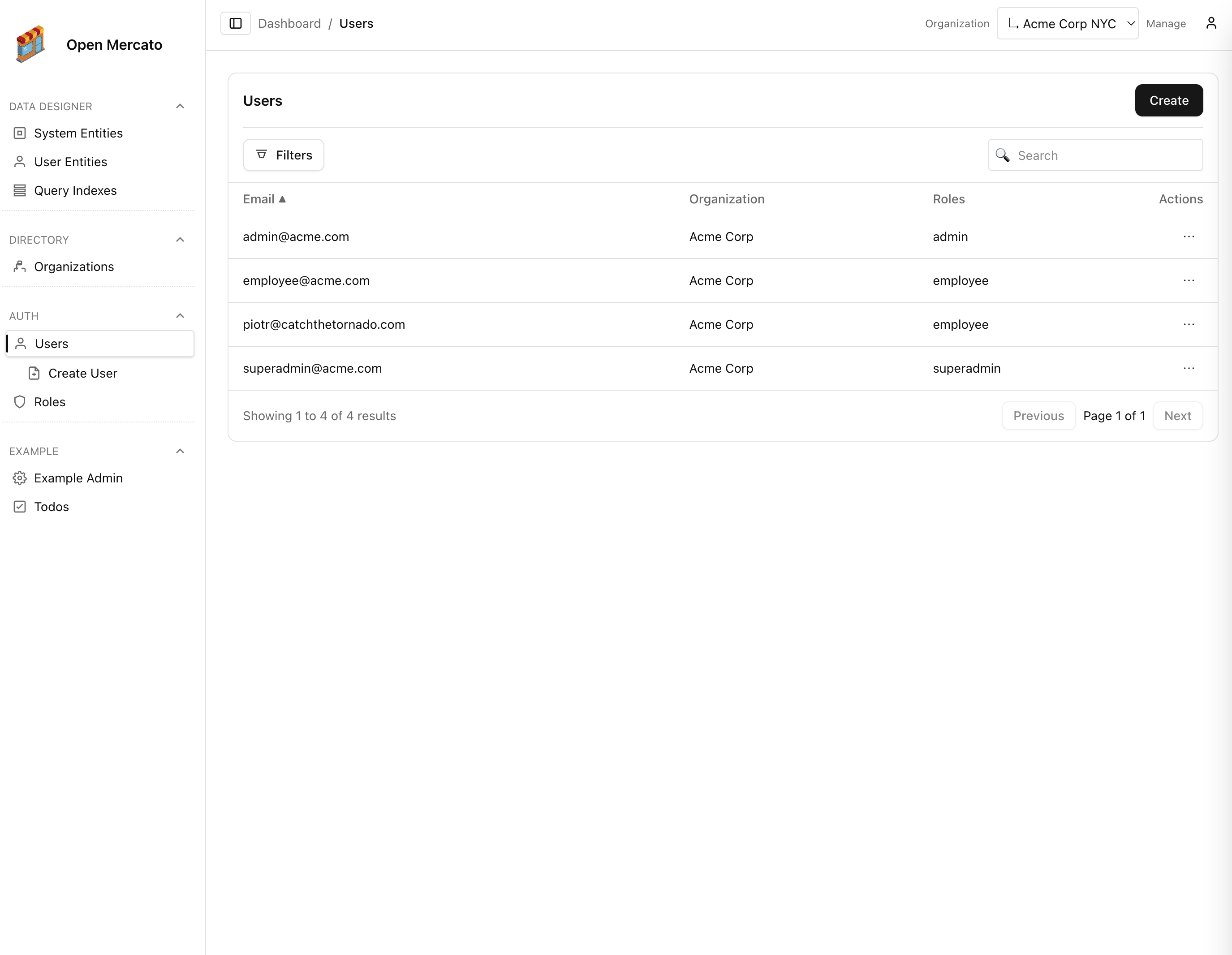
yarn mercato auth setup --orgName "Acme" --email admin@acme.com --password secret --roles superadmin,admin
4) Run the App
yarn dev- Open http://localhost:3000
5) How Modules Load and Override
- Core modules live in packages and are enabled in
src/modules.ts. - App-level overrides live under
src/modules/<module>/...and take precedence over packages with the same relative path. - Generators discover routes/APIs/DI/i18n/entities for enabled modules and write combined outputs to
generated/.
6) Create Your Own Module (as a package)
- Scaffold a local package:
packages/my-module/package.json
{
"name": "@open-mercato/my-module",
"version": "0.1.0",
"private": true,
"type": "module",
"exports": { "./modules/*": "./src/modules/*" }
}
- Add source tree:
packages/my-module/src/modules/my_module/
index.ts # module metadata
di.ts # (optional) register(container)
frontend/
page.tsx # serves "/my_module" (Next-style page)
backend/
page.tsx # serves "/backend/my_module"
api/
hello.ts # new API at "/api/my_module/hello"
i18n/
en.json # (optional) module dictionary
data/
entities.ts # (optional) MikroORM entities
Example index.ts:
import type { ModuleInfo } from '@open-mercato/shared/modules/registry'
export const metadata: ModuleInfo = { id: 'my_module', title: 'My Module', version: '0.1.0' } as any
- Add a TS alias so imports resolve:
- In
tsconfig.jsonpaths add: "@open-mercato/my-module/": ["./packages/my-module/src/"]
- Enable the module in
src/modules.ts:
export const enabledModules = [
{ id: 'auth', from: '@open-mercato/core' },
{ id: 'directory', from: '@open-mercato/core' },
{ id: 'example', from: '@open-mercato/example' },
{ id: 'my_module', from: '@open-mercato/my-module' },
]
- Regenerate + run:
yarn modules:prepareyarn dev
Now visit /my_module and /backend/my_module.
7) Override the Auth Login Screen
To customize login without touching core, create the override file in the app overlay:
src/modules/auth/frontend/login.tsx
This file overrides the package page @open-mercato/core/modules/auth/frontend/login.tsx.
Delete it to fall back to the package implementation.
8) Override Services (DI)
Use src/di.ts to register app-level DI overrides (runs after all module registrars):
import type { AppContainer } from '@/lib/di/container'
import { asClass } from 'awilix'
// import { CustomAuthService } from './services/CustomAuthService'
export function register(container: AppContainer) {
// container.register({ authService: asClass(CustomAuthService).scoped() })
}
9) Entities and Migrations
- Place package entities in
packages/<pkg>/src/modules/<module>/data/entities.ts. - To override/extend in the app:
src/modules/<module>/data/entities.override.ts. - Generate migrations:
yarn db:generate(writes topackages/<pkg>/src/modules/<module>/migrations; app-local modules write tosrc/modules/<module>/migrations). - Apply migrations:
yarn db:migrate.
10) CLI Commands
- Each module can expose CLI in
modules/<module>/cli.ts. - List and run via
yarn mercato <module> <command> [...args]. - Add app-level commands in
src/cli.ts(listed under moduleapp).
You now have an app running with core modules, your own module package, and an overridden auth login screen — all without editing core.