System overview

Open Mercato is a modular platform: every capability lives in a module that can be enabled, overridden, or replaced without touching the core runtime. This page highlights the architecture, shows where customisation happens, and links to deeper references.

Architecture flow at a glance

At build time, module generators collect every page, API handler, entity, subscriber, and feature definition into registries. During runtime, the Next.js App Router loads these registries to render pages, wire API routes, and boot the Awilix dependency-injection container. The container exposes services such as the query engine, data engine, RBAC checks, and event bus to both API handlers and subscribers.

Key principles:

  • Isomorphic modules – a module exports everything it needs (UI, APIs, DI, migrations) so it can run in isolation or inside larger solutions.
  • Overlay overrides – files under src/modules/<module>/... override their package counterparts, letting apps customize behaviour without forking the package.
  • Generated glue – tasks like npm run modules:prepare regenerate registries so runtime always reflects the filesystem.

Modular architecture at a glance

  • Modules are declared in packages/<pkg>/src/modules/<module> (package-supplied) or src/modules/<module> (app overrides).
  • The application bootstraps modules from src/modules.ts. Removing an entry disables the module; adding a new entry enables a custom package.
  • Generators (yarn modules:prepare) scan all enabled modules, merge overrides, and emit registries that drive routing, DI, entities, dashboards, and CLI discovery.

Module building blocks

File / folderPurpose
index.tsModule metadata (id, title, version, optional query-index configuration).
acl.tsFeature flags exported as features (used by RBAC).
di.tsAwilix registrar (register(container)) that installs services, repositories, and factories.
backend/* & frontend/*Next.js App Router pages. Optional *.meta.ts files supply navigation + RBAC metadata.
api/<method>/<path>.tsREST handlers, usually via the CRUD factory.
data/entities.ts & data/extensions.tsMikroORM entities and links to extend other modules.
data/validators.tsZod schemas reused by APIs, CLIs, and forms.
subscribers/*.tsEvent subscribers with metadata (event, persistent).
widgets/dashboard/*Dashboard widgets auto-discovered by the admin UI.
ce.tsCustom entities & fields definitions for the Entities module.
i18n/<locale>.jsonTranslation bundles for module-specific copy.

Runtime stack

  • Frontend / backend apps – Catch-all routers in src/app/(frontend) and src/app/(backend) resolve module pages. Backend pages attach metadata for navigation, RBAC, and features.
  • API – Requests hit src/app/api/[...slug]/route.ts, which loads module handlers and executes the request lifecycle (see request lifecycle).
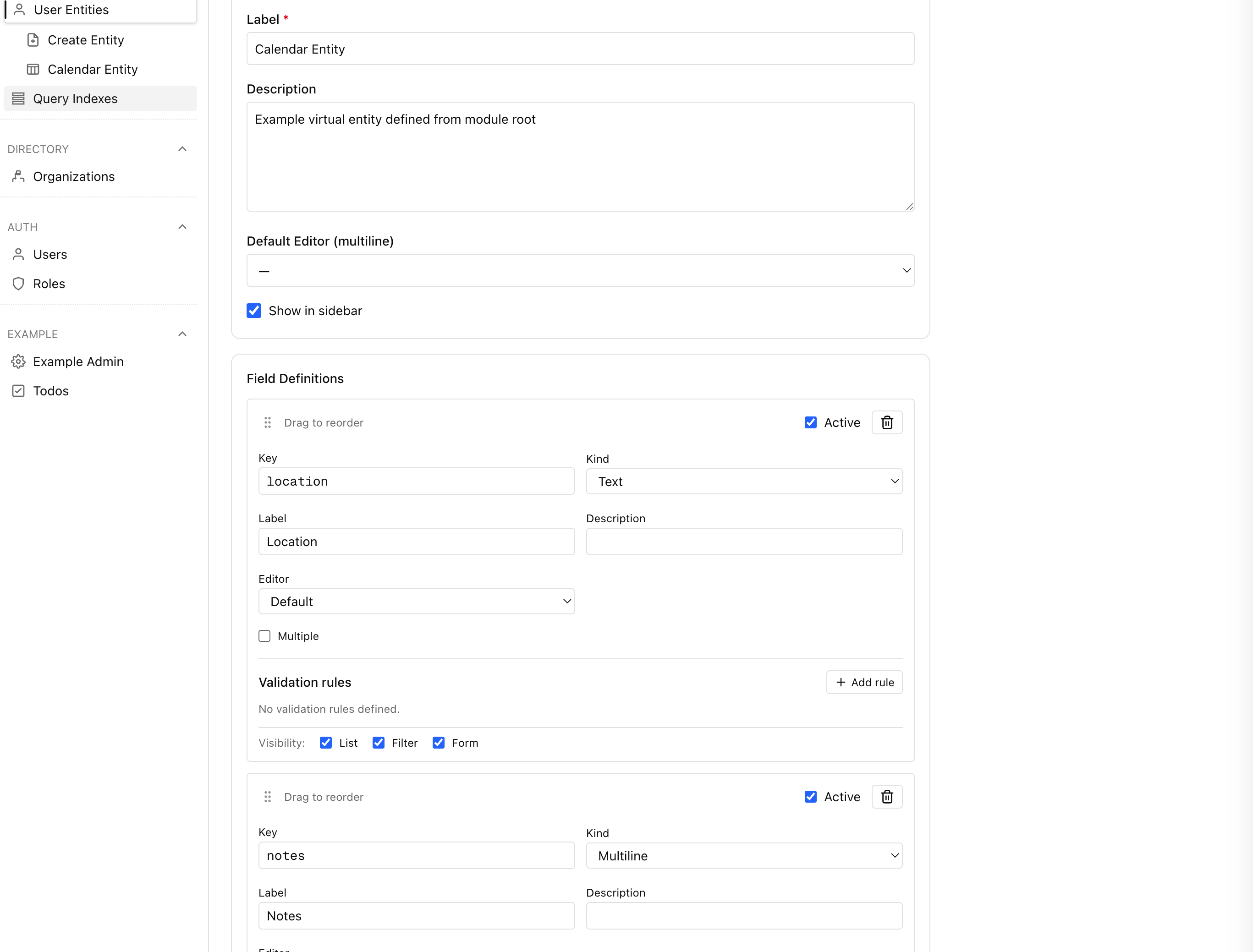
  • Custom entities & fields layer – The Entities module stores runtime-defined entities as JSONB. It exposes cached definitions and values to pages, forms, and query helpers.
  • Cache – Module services can opt into caching (Redis or in-memory) for derived data and queueing subscribers.
  • PostgreSQL – The authoritative data store. System entities live in module-owned tables; user entities live in EAV tables. The query engine and hybrid query engine provide fast read paths, while the data engine coordinates writes.

Multi-tenant directory

  • Tenants – Provisioned through the directory module and created with CLI helpers such as yarn mercato auth setup. The command ensures a tenant, its root organization, and bootstrap users exist, and can be rerun safely in any environment.
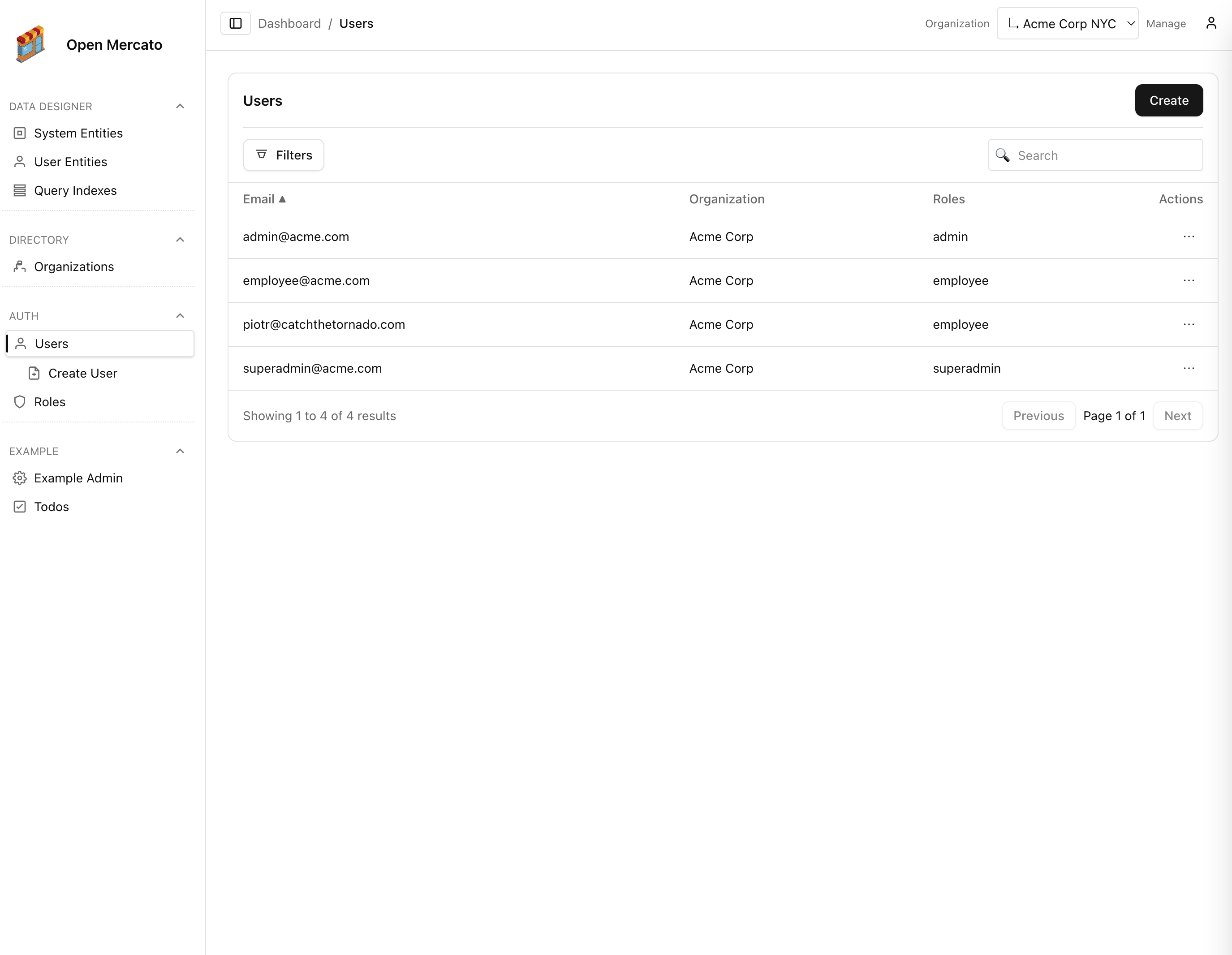
  • Organization hierarchy – Each tenant owns a tree of organizations. Parent/child relationships power the organization switcher and scope-aware APIs described in the Directory service reference.
  • Scoped data access – Runtime services propagate tenantId and organizationId from the authenticated principal so queries, CRUD factories, and generated pages automatically filter to the active organization branch.
  • Visibility controls – Role and user ACLs can limit which organizations a principal may see. Configure feature flags and organization visibility from RBAC settings (see the RBAC overview); those selections drive the organization switcher and backend list filters.

Custom application architecture

  • src/app – Override or add pages/layouts without touching package sources.
  • src/modules – Provide module-level overrides (backend/frontend pages, APIs, entities, i18n). Files here take precedence over package files with the same relative path.
  • src/modules.ts – Acts as a manifest: enabling/disabling modules reconfigures the application without code changes.
  • Generated registries – Link together app overrides and package modules. They power auto-discovery for routing, APIs, DI, dashboard widgets, subscribers, and CLI commands.

Extension points

  • Application reconfiguration – Swap modules in src/modules.ts, override routers in src/app, or adjust DI via src/lib.
  • Modules – Ship new modules in packages/<your-package> or override core behaviour in src/modules/<module>.
  • Custom entities & fields – Define runtime-managed schemas in ce.ts or through the admin UI, then seed them with yarn mercato entities install.
  • Entity links – Use data/extensions.ts with defineLink() to relate module entities without violating module isolation.

Request lifecycle

Every request (page load, API call, server action) runs through the same pipeline:

  1. Routing – Catch-all routers locate the target module file based on metadata from modules.generated.ts.
  2. DI scopecreateRequestContainer builds a request-scoped Awilix container, registers core services, then applies module di.ts registrars.
  3. Auth & RBACrequireAuth, requireRoles, and requireFeatures metadata are enforced before handler logic executes.
  4. Business logic – Handlers typically call module services, the query engine, or the data engine.
  5. Events & subscribers – Writes emit events that persistent subscribers process (for example, index rebuilds, notifications).

See the dedicated request lifecycle reference for a deeper breakdown.

Translations

  • Modules own their own translation bundles under modules/<module>/i18n/<locale>.json. These files are merged at build time.
  • Use the shared translation helpers from @open-mercato/ui or @open-mercato/core/lib/i18n to load strings in pages, APIs, or services.
  • Admin users can select locales; the backend UI automatically loads translated labels for module navigation, forms, and custom entities where available.
  • When overriding copy in src/modules, provide matching i18n files to keep language coverage consistent.

This architecture lets you assemble enterprise features by combining modules, configure them per tenant or organisation, and override behaviour safely as your product evolves. Continue with the Framework reference to dive into the module APIs in detail.