Authentication & RBAC

Explore the API
Launch the OpenAPI Explorer to browse the live REST specs, inspect request and response schemas, and execute calls against your environment with an API key.

All examples assume the environment variables defined in REST API Overview:

export BASE_URL="http://localhost:3000/api"
export API_KEY="<paste your API key secret here>"
export USER_ID="<target user uuid>"
export ROLE_ID="<target role uuid>"

Mint an API key following the Managing API keys guide and replace the placeholders with real values before running any request.

Official TypeScript API client

Open Mercato ships an official, fully typed SDK published as @open-mercato/client. It wraps the generated OpenAPI schema so every request/response is type-safe across Node.js, Next.js, and browser runtimes.

npm install @open-mercato/client
import { createOpenMercatoClient } from '@open-mercato/client'

const client = createOpenMercatoClient({
baseUrl: process.env.OPEN_MERCATO_API_BASE_URL ?? `${process.env.APP_URL}/api`,
accessToken: async () => process.env.API_KEY,
})

const { data, error } = await client.GET('/auth/users', {
params: { query: { page: 1, pageSize: 20 } },
})

if (error) throw new Error(error.message ?? 'Request failed')
console.log(data?.items)
  • baseUrl is optional. When omitted the client tries environment variables (OPEN_MERCATO_API_BASE_URL, NEXT_PUBLIC_API_BASE_URL, NEXT_PUBLIC_APP_URL, APP_URL) and finally falls back to http://localhost:3000/api.
  • accessToken accepts either a raw API key (omk_xxx.yyy) or a JWT. The helper automatically prefixes values with ApiKey or Bearer, so you never have to manage headers manually.
  • Need retries, tracing, or logging? Pass middleware when calling createOpenMercatoClient to register openapi-fetch middlewares.

See the companion example project at open-mercato/api-client-example for a complete Next.js walkthrough that demonstrates environment setup, token management, and CRUD flows using this SDK.

Login

Endpoint: POST /login
Features: Public (no token required)
Body: Form data (multipart/form-data or application/x-www-form-urlencoded)

Fields:

  • email — required user email.
  • password — required password.
  • remember — optional flag (true, on, or 1) to create a long-lived session.
  • requireRole — optional comma-separated roles the user must hold.
curl -X POST "$BASE_URL/login" \
-H "Accept: application/json" \
-H "Content-Type: application/x-www-form-urlencoded" \
--data-urlencode "email=admin@example.com" \
--data-urlencode "password=supersecret" \
--data-urlencode "remember=true"

Successful responses include a JWT (token) and set the auth_token cookie:

{
"ok": true,
"token": "eyJhbGciOiJIUzI1NiIsInR5cCI6IkpXVCJ9...",
"redirect": "/backend"
}

Store the token securely if you need to keep a browser session alive, but use API keys for server-to-server calls.

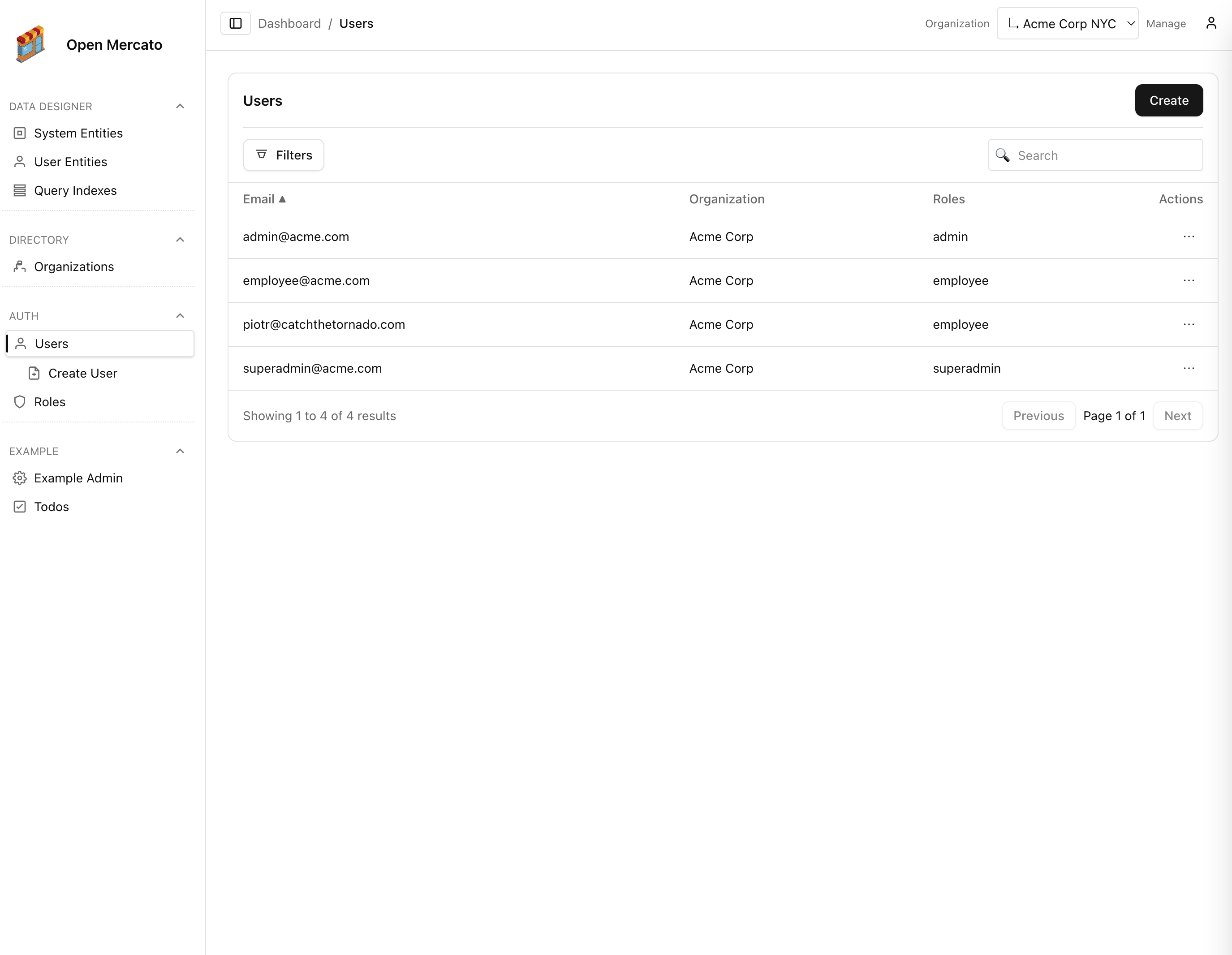
Users

List Users — GET /auth/users

Feature: auth.users.list
Query parameters:

  • page / pageSize — pagination (defaults 1 / 50, max 100).
  • search — case-insensitive match on email.
  • organizationId — filter to a particular organization UUID.
  • roleIds — comma-separated role UUIDs.
curl -X GET "$BASE_URL/auth/users?page=1&pageSize=20&search=admin" \
-H "X-Api-Key: $API_KEY" \
-H "Accept: application/json"

Sample response (truncated):

{
"items": [
{
"id": "f5d0220f-59a8-4b8d-ae2c-84f960cc6e6c",
"email": "admin@example.com",
"organizationId": "37efc239-87ab-4eb8-97f3-1cbbd7b497d0",
"roles": ["owner"],
"customFields": {
"cf_department": "Sales"
}
}
],
"total": 1,
"page": 1,
"pageSize": 20,
"totalPages": 1
}

Create User — POST /auth/users

Feature: auth.users.create
Body: JSON

curl -X POST "$BASE_URL/auth/users" \
-H "X-Api-Key: $API_KEY" \
-H "Content-Type: application/json" \
-d "{
\"email\": \"new.user@example.com\",
\"password\": \"TempPass123!\",
\"organizationId\": \"$ORG_ID\",
\"roles\": [\"manager\"],
\"customFields\": {
\"department\": \"Operations\",
\"onboardingDate\": \"2024-06-01\"
}
}"

Response:

{ "id": "c634b52b-1d0e-4fbf-9a0c-7c3df6f947a2" }

Update User — PUT /auth/users

Feature: auth.users.edit
Body: JSON with at least id.

curl -X PUT "$BASE_URL/auth/users" \
-H "X-Api-Key: $API_KEY" \
-H "Content-Type: application/json" \
-d "{
\"id\": \"$USER_ID\",
\"email\": \"updated.user@example.com\",
\"organizationId\": \"$ORG_ID\",
\"roles\": [\"manager\", \"support\"],
\"customFields\": {
\"department\": \"Customer Success\"
}
}"

Response:

{ "ok": true }

Delete User — DELETE /auth/users?id=<uuid>

Feature: auth.users.delete

curl -X DELETE "$BASE_URL/auth/users?id=$USER_ID" \
-H "X-Api-Key: $API_KEY" \
-H "Accept: application/json"

Response:

{ "ok": true }

Fetch User ACL — GET /auth/users/acl?userId=<uuid>

Feature: auth.acl.manage

curl -X GET "$BASE_URL/auth/users/acl?userId=$USER_ID" \
-H "X-Api-Key: $API_KEY" \
-H "Accept: application/json"

Example response:

{
"hasCustomAcl": true,
"isSuperAdmin": false,
"features": ["dashboard.widgets.view", "entities.records.manage"],
"organizations": ["37efc239-87ab-4eb8-97f3-1cbbd7b497d0"]
}

Update User ACL — PUT /auth/users/acl

Feature: auth.acl.manage

curl -X PUT "$BASE_URL/auth/users/acl" \
-H "X-Api-Key: $API_KEY" \
-H "Content-Type: application/json" \
-d "{
\"userId\": \"$USER_ID\",
\"isSuperAdmin\": false,
\"features\": [\"entities.records.manage\", \"entities.definitions.manage\"],
\"organizations\": [\"$ORG_ID\"]
}"

Response:

{ "ok": true }

Roles

List Roles — GET /auth/roles

Feature: auth.roles.list

curl -X GET "$BASE_URL/auth/roles?page=1&pageSize=50&search=admin" \
-H "X-Api-Key: $API_KEY" \
-H "Accept: application/json"

Create Role — POST /auth/roles

Feature: auth.roles.manage

curl -X POST "$BASE_URL/auth/roles" \
-H "X-Api-Key: $API_KEY" \
-H "Content-Type: application/json" \
-d '{
"name": "support-specialist",
"tenantId": null
}'

Response:

{ "id": "1dc9bc3a-8f9b-4d3f-af5d-7dbb37a4ba5c" }

Update Role — PUT /auth/roles

Feature: auth.roles.manage

curl -X PUT "$BASE_URL/auth/roles" \
-H "X-Api-Key: $API_KEY" \
-H "Content-Type: application/json" \
-d "{
\"id\": \"$ROLE_ID\",
\"name\": \"support-advanced\",
\"tenantId\": null
}"

Delete Role — DELETE /auth/roles?id=<uuid>

Feature: auth.roles.manage
Deletion fails with 400 if users are still assigned.

curl -X DELETE "$BASE_URL/auth/roles?id=$ROLE_ID" \
-H "X-Api-Key: $API_KEY" \
-H "Accept: application/json"

Fetch Role Features — GET /auth/roles/acl?roleId=<uuid>

Feature: auth.roles.manage

curl -X GET "$BASE_URL/auth/roles/acl?roleId=$ROLE_ID" \
-H "X-Api-Key: $API_KEY" \
-H "Accept: application/json"

Sample response:

{
"features": [
"dashboard.widgets.view",
"dashboard.widgets.manage",
"entities.records.view"
]
}

Update Role Features — PUT /auth/roles/acl

Feature: auth.roles.manage

curl -X PUT "$BASE_URL/auth/roles/acl" \
-H "X-Api-Key: $API_KEY" \
-H "Content-Type: application/json" \
-d "{
\"roleId\": \"$ROLE_ID\",
\"features\": [
\"auth.users.list\",
\"auth.users.create\",
\"dashboard.widgets.view\"
]
}"

Response:

{ "ok": true }

Admin Navigation — GET /auth/admin/nav

Feature: Authenticated user (feature checks executed per route)
Returns the backend sidebar groups for the current user, factoring tenant/organization scope and RBAC decisions.

curl -X GET "$BASE_URL/auth/admin/nav" \
-H "X-Api-Key: $API_KEY" \
-H "Accept: application/json"

Simplified response:

{
"groups": [
{
"name": "Dashboard",
"items": [
{ "href": "/backend", "title": "Overview", "enabled": true }
]
}
]
}

Use this endpoint to drive custom admin shells or to debug visibility rules when developing new modules.