Directory Service

Explore the API
Launch the OpenAPI Explorer to browse the live REST specs, inspect request and response schemas, and execute calls against your environment with an API key.

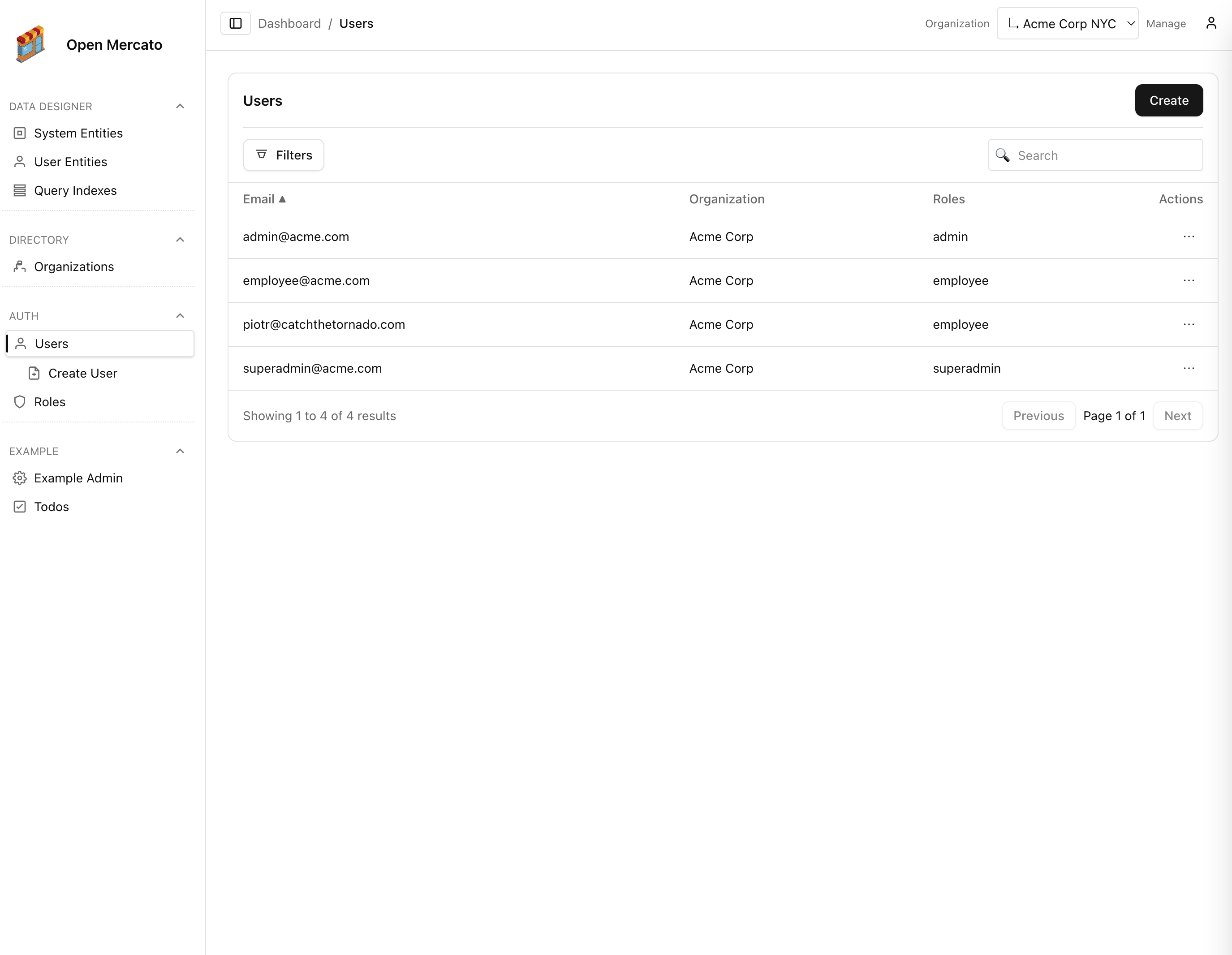
The directory module governs tenants, organizations, and the organization switcher used throughout the backend UI.

export BASE_URL="http://localhost:3000/api"
export API_KEY="<paste your API key secret here>"
export TENANT_ID="<current tenant uuid>"
export ORG_ID="<current organization uuid>"
export ORGANIZATION_ID="<target organization uuid>"

Use an API key scoped to the correct tenant/organization as described in Managing API keys.

Organization Switcher — GET /directory/organization-switcher

Feature: Authenticated user (per-user visibility derived from RBAC)

curl -X GET "$BASE_URL/directory/organization-switcher" \
-H "X-Api-Key: $API_KEY" \
-H "Accept: application/json"

Response (truncated):

{
"items": [
{
"id": "37efc239-87ab-4eb8-97f3-1cbbd7b497d0",
"name": "Northwind HQ",
"depth": 0,
"selectable": true,
"children": [
{
"id": "b4af8739-bf2a-4e2c-9260-5f9f09b9a4c2",
"name": "Branch East",
"depth": 1,
"selectable": true,
"children": []
}
]
}
],
"selectedId": "37efc239-87ab-4eb8-97f3-1cbbd7b497d0",
"canManage": true
}

Use this payload to render an organization picker or to understand which organizations the current user may access.

Organizations

List Organizations — GET /directory/organizations

Feature: directory.organizations.view
Supports multiple views (view=options|manage|tree), pagination, search, and tenant filtering.

curl -X GET "$BASE_URL/directory/organizations?view=manage&page=1&pageSize=25&search=branch" \
-H "X-Api-Key: $API_KEY" \
-H "Accept: application/json"

Create Organization — POST /directory/organizations

Feature: directory.organizations.manage

curl -X POST "$BASE_URL/directory/organizations" \
-H "X-Api-Key: $API_KEY" \
-H "Content-Type: application/json" \
-d "{
\"tenantId\": \"$TENANT_ID\",
\"name\": \"Branch West\",
\"parentId\": \"$ORG_ID\",
\"isActive\": true,
\"customFields\": {
\"region\": \"West Coast\"
}
}"

Response:

{ "id": "6d44ce18-4bc7-49d6-8b25-a94288363f25" }

Update Organization — PUT /directory/organizations

Feature: directory.organizations.manage

curl -X PUT "$BASE_URL/directory/organizations" \
-H "X-Api-Key: $API_KEY" \
-H "Content-Type: application/json" \
-d "{
\"id\": \"$ORGANIZATION_ID\",
\"name\": \"Branch West (Updated)\",
\"parentId\": \"$ORG_ID\",
\"isActive\": true
}"

Response:

{ "ok": true }

Delete Organization — DELETE /directory/organizations?id=<uuid>

Feature: directory.organizations.manage
Performs a soft delete and triggers hierarchy rebuild.

curl -X DELETE "$BASE_URL/directory/organizations?id=$ORGANIZATION_ID" \
-H "X-Api-Key: $API_KEY" \
-H "Accept: application/json"

Response:

{ "ok": true }

Tenants

List Tenants — GET /directory/tenants

Feature: directory.tenants.view

curl -X GET "$BASE_URL/directory/tenants?page=1&pageSize=25&search=north" \
-H "X-Api-Key: $API_KEY" \
-H "Accept: application/json"

Create Tenant — POST /directory/tenants

Feature: directory.tenants.manage

curl -X POST "$BASE_URL/directory/tenants" \
-H "X-Api-Key: $API_KEY" \
-H "Content-Type: application/json" \
-d '{
"name": "Northwind Subsidiary",
"slug": "northwind-subsidiary",
"isActive": true,
"customFields": {
"plan": "enterprise"
}
}'

Response:

{ "id": "3ac8e493-4044-4a9d-ac00-a8a6b9767c0b" }

Update Tenant — PUT /directory/tenants

Feature: directory.tenants.manage

curl -X PUT "$BASE_URL/directory/tenants" \
-H "X-Api-Key: $API_KEY" \
-H "Content-Type: application/json" \
-d "{
\"id\": \"$TENANT_ID\",
\"name\": \"Northwind Subsidiary\",
\"isActive\": true
}"

Response:

{ "ok": true }

Delete Tenant — DELETE /directory/tenants?id=<uuid>

Feature: directory.tenants.manage
Soft deletes the tenant (marked inactive) before removing it from active listings.

curl -X DELETE "$BASE_URL/directory/tenants?id=$TENANT_ID" \
-H "X-Api-Key: $API_KEY" \
-H "Accept: application/json"

Response:

{ "ok": true }

Tip: Tenant and organization operations cascade into caches used by the backend UI. After structural updates, you can call POST /auth/users/acl or have users refresh the dashboard to ensure the latest hierarchy is visible.